




A New Dimension in Interior Design Using Artificial Intelligence
Create, enhance, and modify 3D views and visualizations faster than ever before. The AI Creator is a new feature in the software that uses artificial intelligence to work with images and visualizations. It helps designers develop concepts, test different layout variations, and prepare attractive materials for clients.
Available AI Models
Free AI model
- built-in model for image editing and upscaling
- available at no additional cost
- requires a GeForce RTX 20xx, 30xx, 40xx, 50xx with at least 6 GB of vRAM (8 GB recommended) and a graphics card driver version 580.x or higher
- works directly within the program
- does not require an additional account
- does not require an internet connection
- allows you to work offline as well
- ideal for everyday work and exploring the capabilities of AI

Paid AI Models
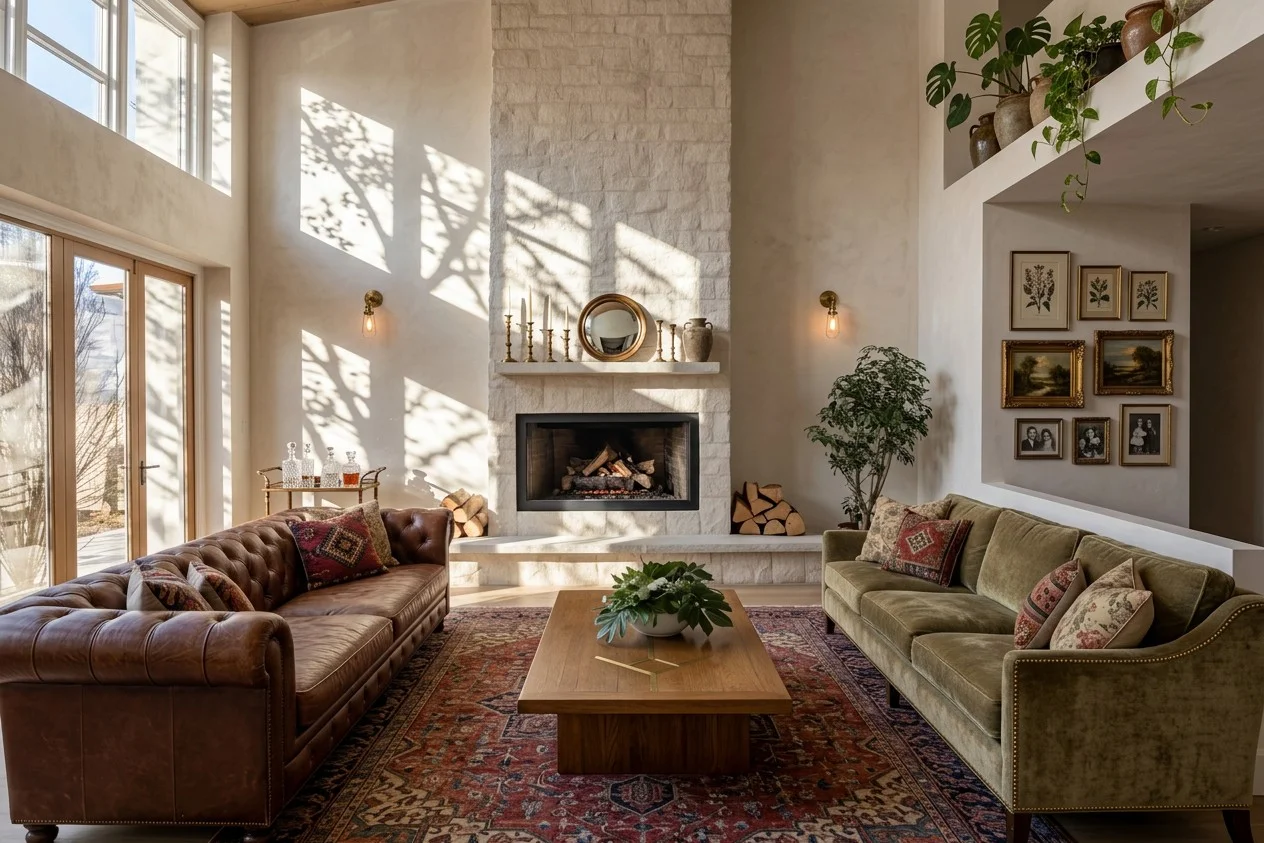
- Models: Nano Banana 2.0, Nano Banana PRO, and Wavespeed Image Update
- Operate through the Comfy platform
- Use a credit system
- You can see the cost of generation before each operation
- One account gives you access to all models
- No need to pay a recurring subscription fee
- You only buy as many credits as you need
Key Features of the AI Creator
- Improve visualization quality — enhance realism, adjust lighting, detail, and textures without having to re-render.
- Create mood boards —combine styles, colors, materials, and atmospheres to more easily define and present the character of an interior.
- Generate inspiration and new concepts – come up with new design ideas and quickly test different design directions.
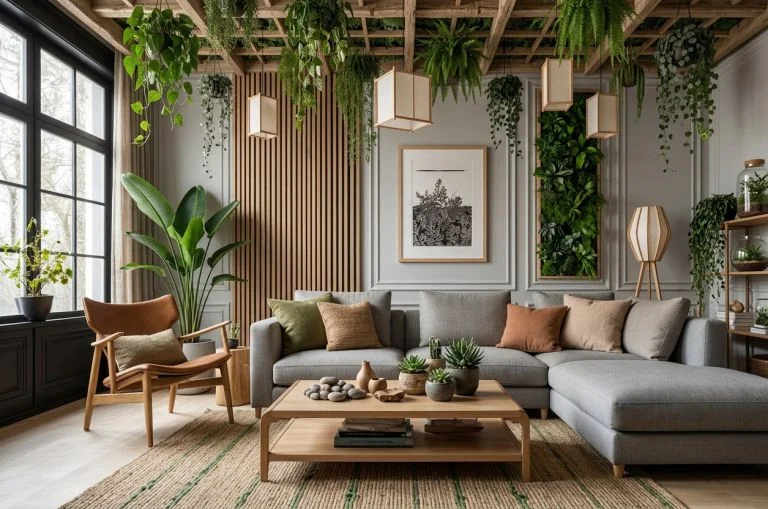
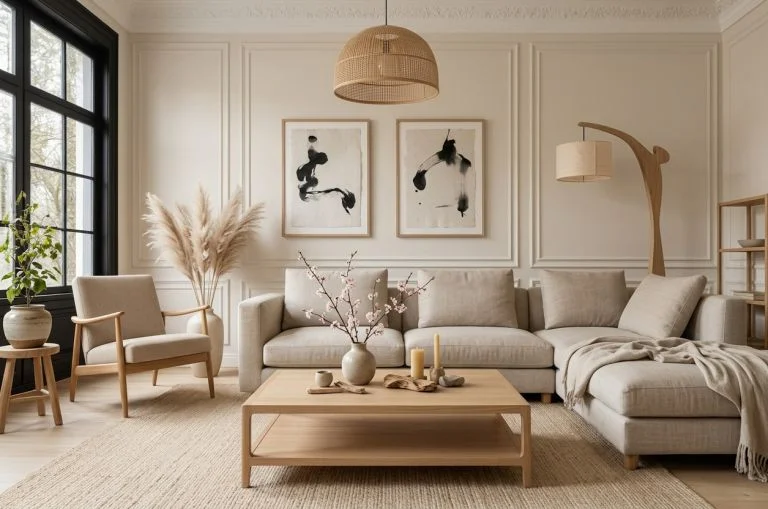
- Change the interior style – transform an existing visualization into various styles, including modern, classic, loft, minimalist, Japandi, or luxury.
- Modifying materials and textures – quickly change colors, materials, textures, and surface types while comparing different finish options.
- Upscaling – increasing resolution – boost the resolution of your visualizations to prepare them for presentations, online publication, and marketing materials.
- Working with renders and project views – use AI based on both finished visualizations and raw views from the software.
- Importing your own images – use photos, inspiration, and reference materials as a basis for creating new visual concepts.
Ready-made prompts and custom workflows
The AI Creator offers ready-made prompts that make it easy to get started and help you quickly achieve the desired result.
Important Information
- The AI Wizard is part of the CAD Decor PRO, CAD Decor, and CAD Kitchens software packages with the Render PRO Module.
- Free AI models run locally on GeForce RTX graphics cards—check the hardware requirements.
- To use paid AI models, you need an internet connection and an account on the external Comfy platform.
- You can purchase credits as you like; there are no restrictions based on your subscription plan or a time limit for using them.
- CAD Projekt K&A does not charge a commission on paid models—the suppliers’ prices apply.
- The wizard displays the number of credits and automatically converts them to dollars—so you know how much you’re spending.
- AI isn’t a perfect system—the images it generates may differ from the prompt if it wasn’t written precisely.
CAD Projekt K&A provides only technical integration with the AI service via an interface.
The use of AI models and payments are handled through the external Comfy platform and are not managed by CAD Projekt K&A.
Service availability, image generation quality and time, as well as billing on the Comfy account, depend on the platform provider.
The user is responsible for familiarizing themselves with the copyright rules and the terms and conditions for the commercial use of the generated materials.
Frequently Asked Questions
What is the AI Creator?
The AI Creator is a feature that uses artificial intelligence to work with visualizations and images. Among other things, it allows you to improve the quality of visualizations, change styles, materials, and colors, create new concepts, and prepare various design variations.
What can I do with the AI Wizard?
Among other things, you can enhance the realism and quality of your visualizations, change the interior style, materials, and colors, create mood boards, generate new concepts, increase the resolution of images, and work with your own photos and reference images.
In which programs is the AI Wizard available?
The AI Wizard is available in CAD Decor PRO, CAD Decor, and CAD Kitchens, and requires the Render PRO Module.
Is the AI Creator a paid service?
The AI Creator offers a free model that runs locally on your computer. You can also use paid AI models, such as Nano Banana 2.0, Nano Banana PRO, and Wavespeed Image Update, which run through the Comfy platform and use a credit system.
Do I need an internet connection and a Comfy account?
No, not if you’re using the free local model. For the paid models, you’ll need an internet connection and an account on the Comfy platform.
Do I need to purchase a subscription to use the paid models?
No. Paid plans operate on a credit system. You buy as many credits as you need, without having to pay a fixed subscription fee.
How much does it cost to generate an image?
Before performing any operation, the AI Wizard displays the number of credits required and their value in dollars. This way, you know the cost before you start generating content.
What are the hardware requirements for AI models?
You can find the system and hardware requirements here
How can I use prompts in the AI Creator?
The AI Wizard includes pre-made prompts and workflows to help you get started. You can freely edit and customize them to suit your needs, as well as create your own prompts from scratch. This gives you full control over the desired outcome and allows you to precisely specify what the generated image should look like.
Why does the generated image sometimes differ from my prompt?
AI is not a perfect system. The result may differ from the prompt, especially if the instruction is vague or contains many different instructions. The more precisely you describe the desired outcome, the easier it is to get a result that meets your expectations.
Can I use the generated images for commercial purposes?
The ability to use the materials for commercial purposes depends on the terms of the specific model and the platform through which it is made available. Before using the generated materials, please review the applicable license terms and copyright policies.